Redesign the lobby screen of Zynga Poker mobile game to improve player experience
My Role
UX/UI Designer
Company
01 / Context
Introduction
Zynga is a leading social game developer, and one of its most popular mobile games is Zynga Poker, launched in 2008. Since then, it has been played by hundreds of millions of players worldwide
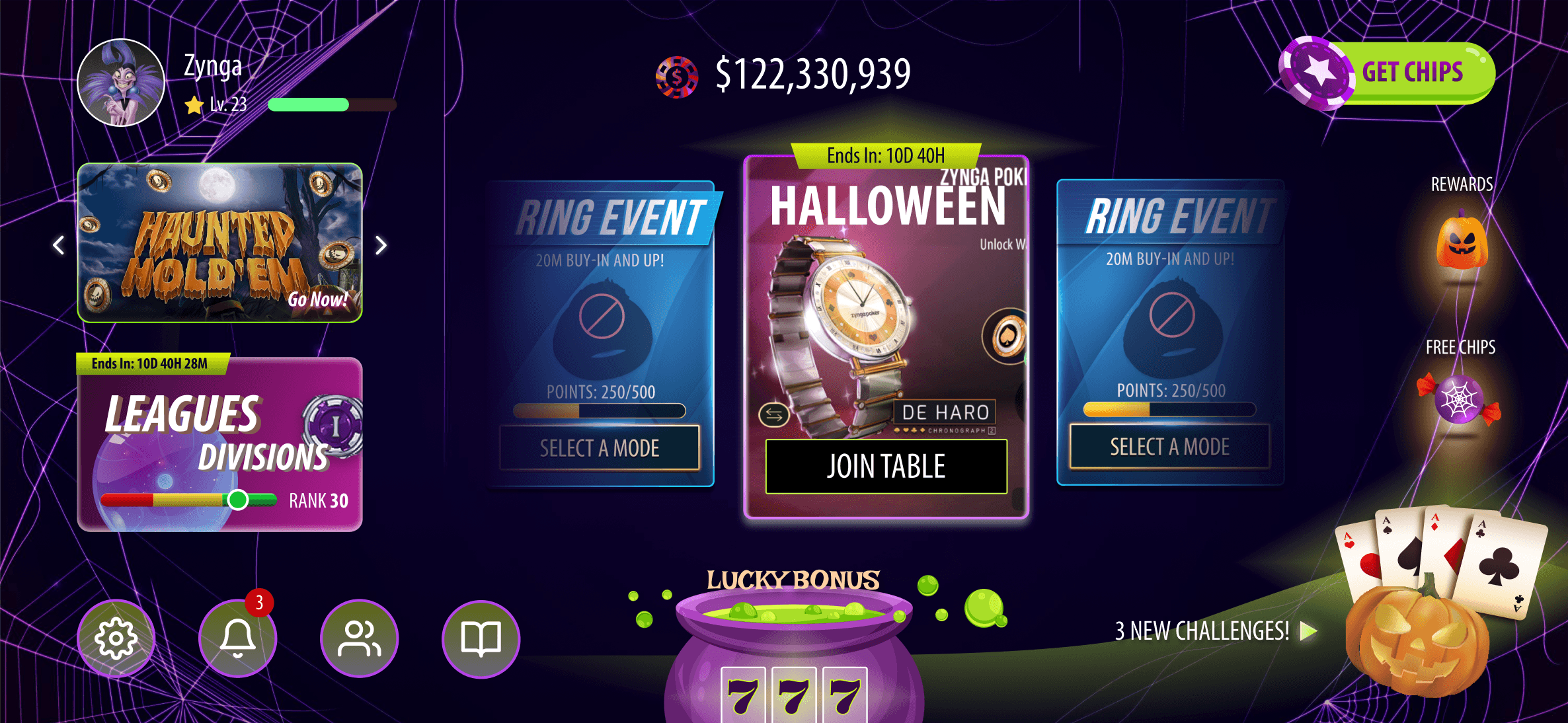
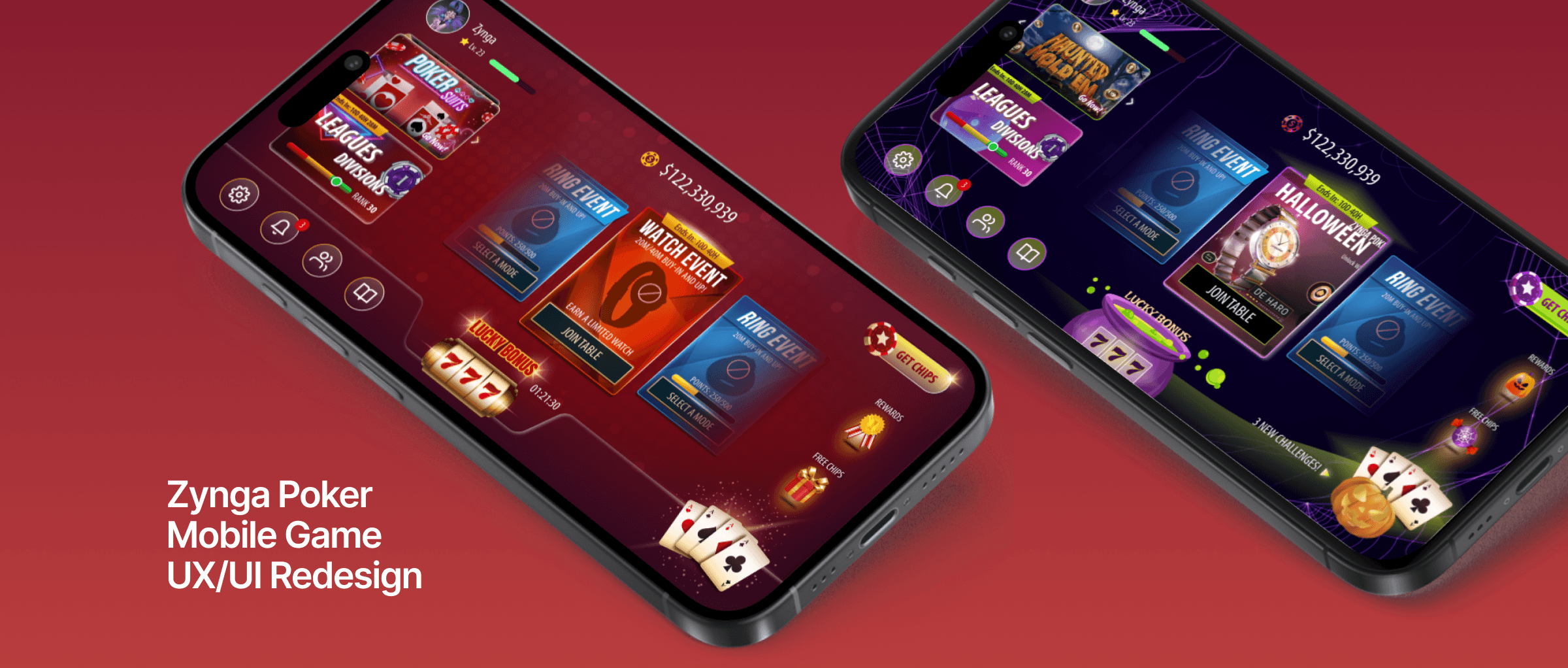
The task was to redesign Zynga Poker’s lobby screen, drawing from my observations and firsthand experience with the game.
Final Design
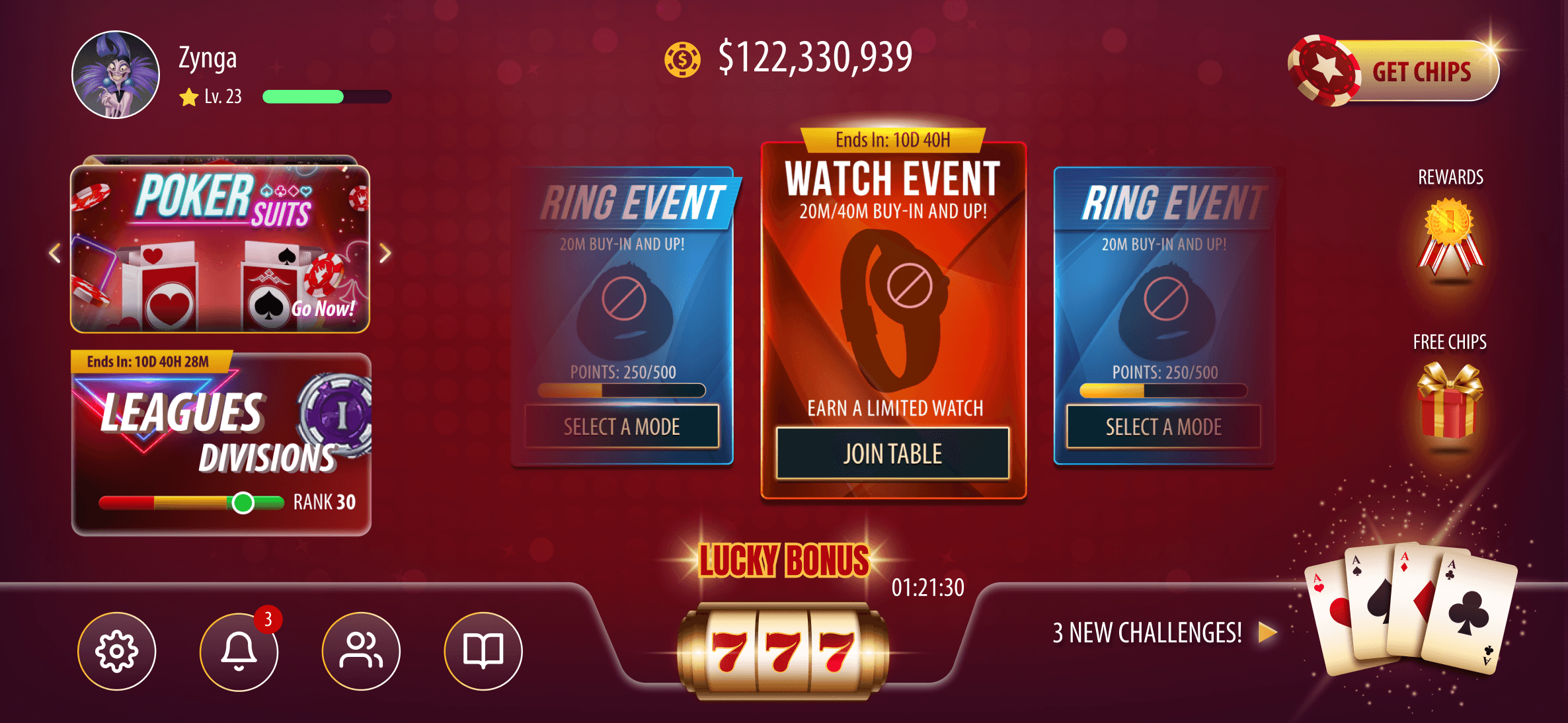
I designed the new UI based on observations of the existing features and interactions, simplifying and clarifying the overall experience.
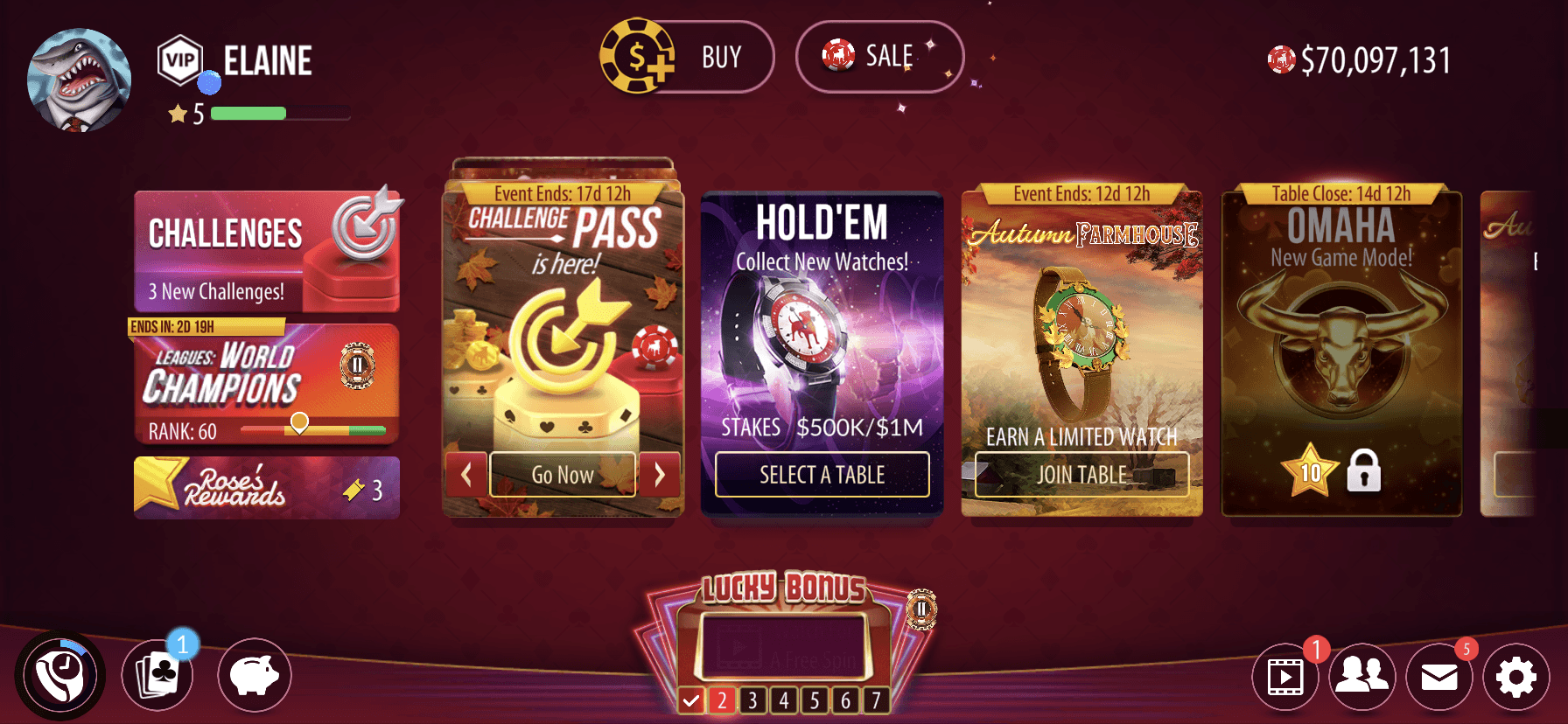
Before
AFTER
02 / Process
User Research
During the research phase, I applied three strategic approaches to identify user behaviors, analyze competitors, and understand business goals, all aimed at enhancing the player experience.
Step 1.
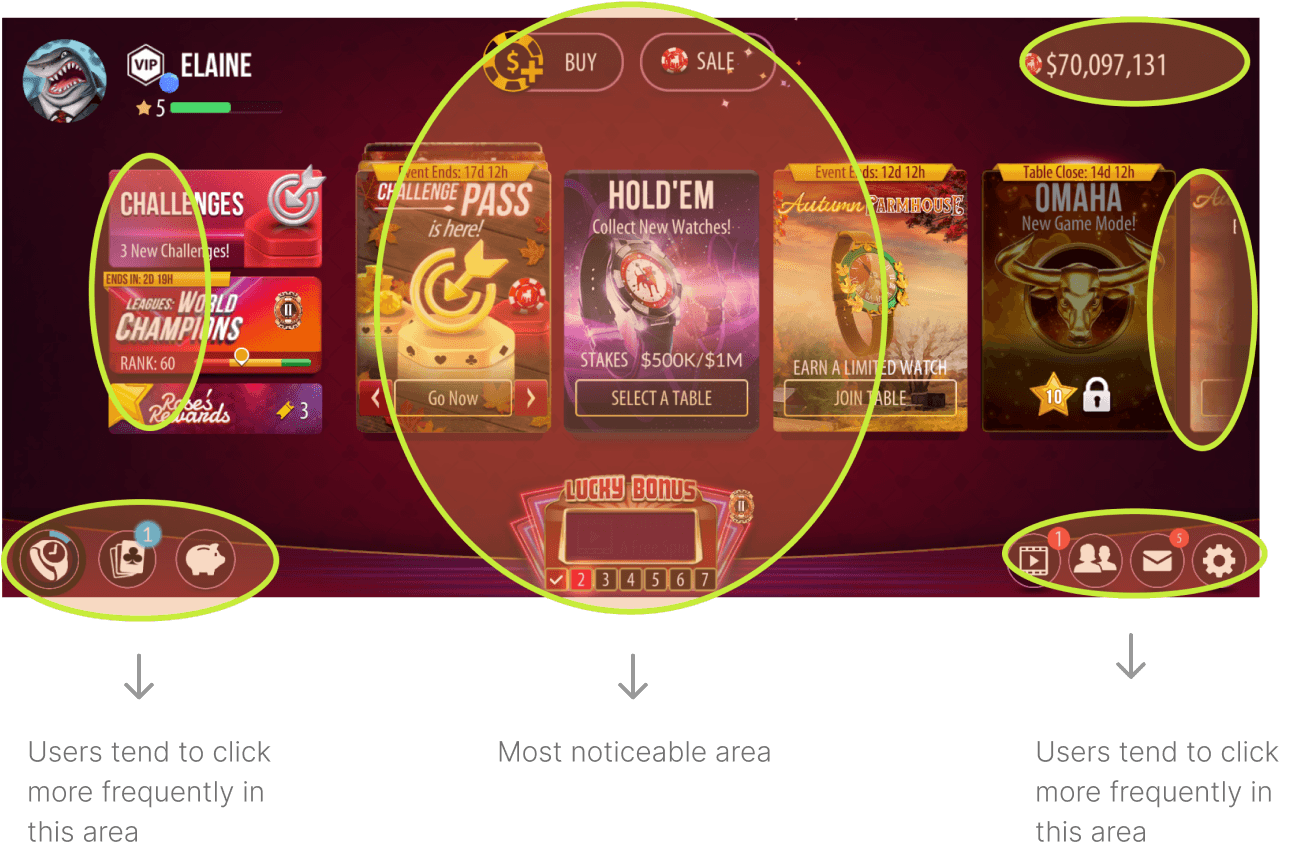
UX heat map analysis
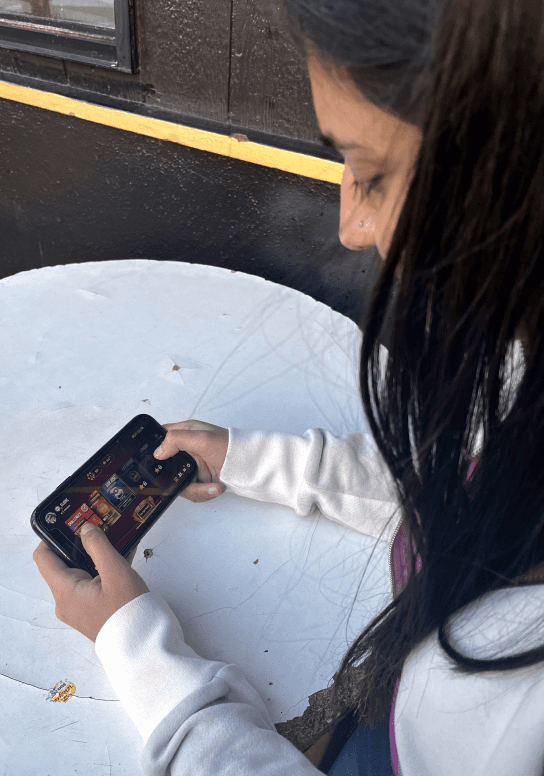
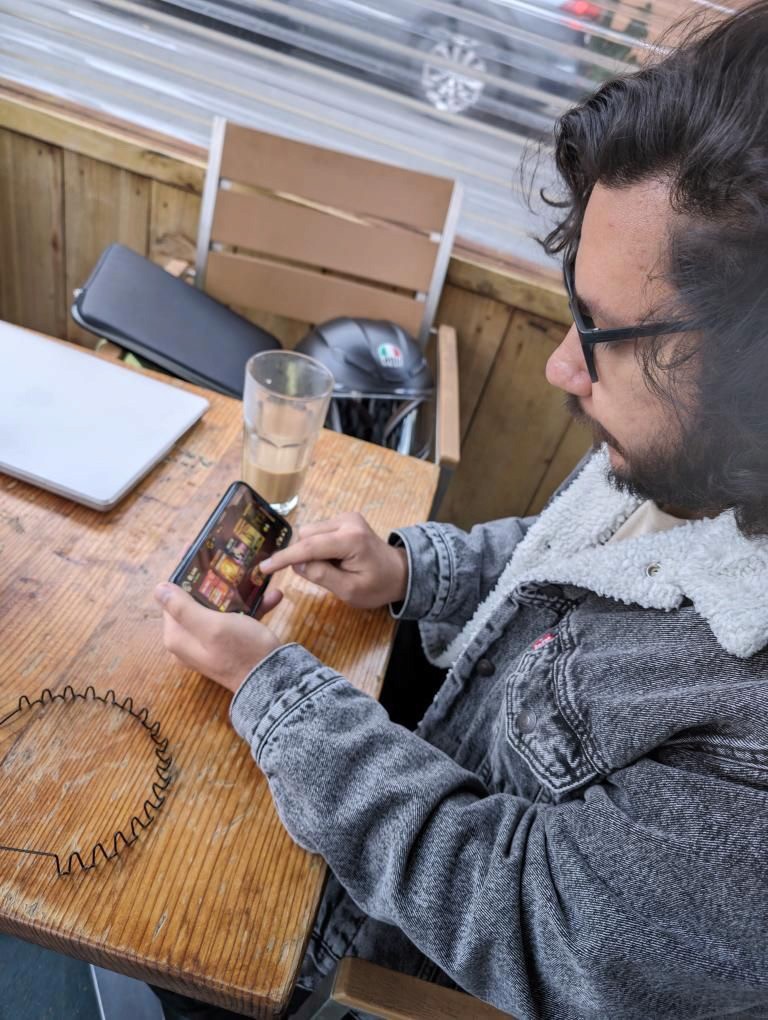
I conducted a UX heat map analysis with real Zynga players to identify the most frequently clicked areas on the screens.
Step 2.
Competitor Analysis
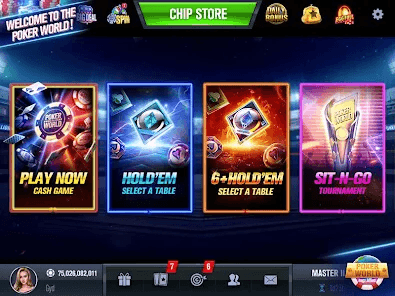
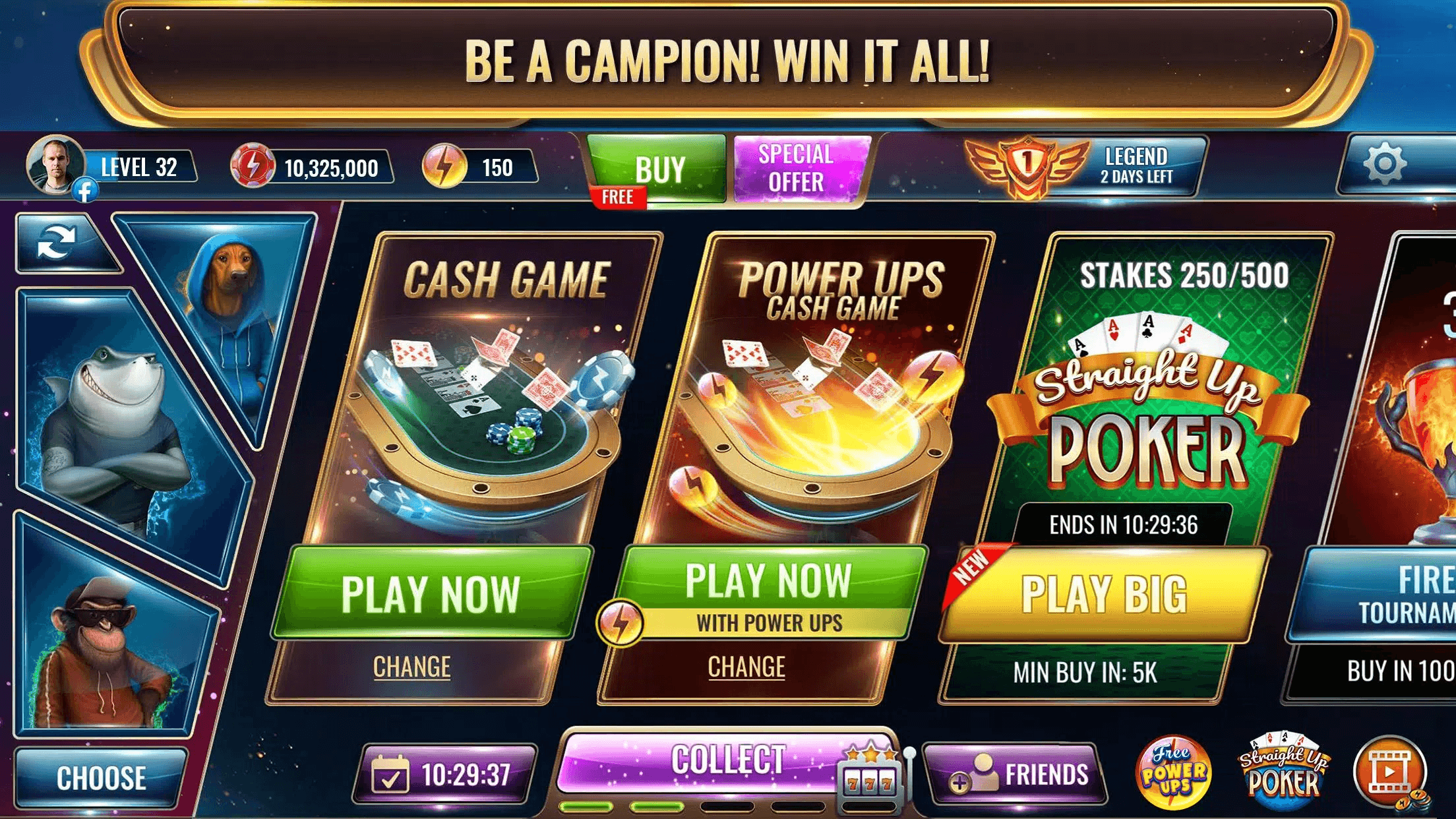
I analyzed the lobby UI design and layout of other poker mobile games for comparison.
Poker World Mega Billions
Wild Poker
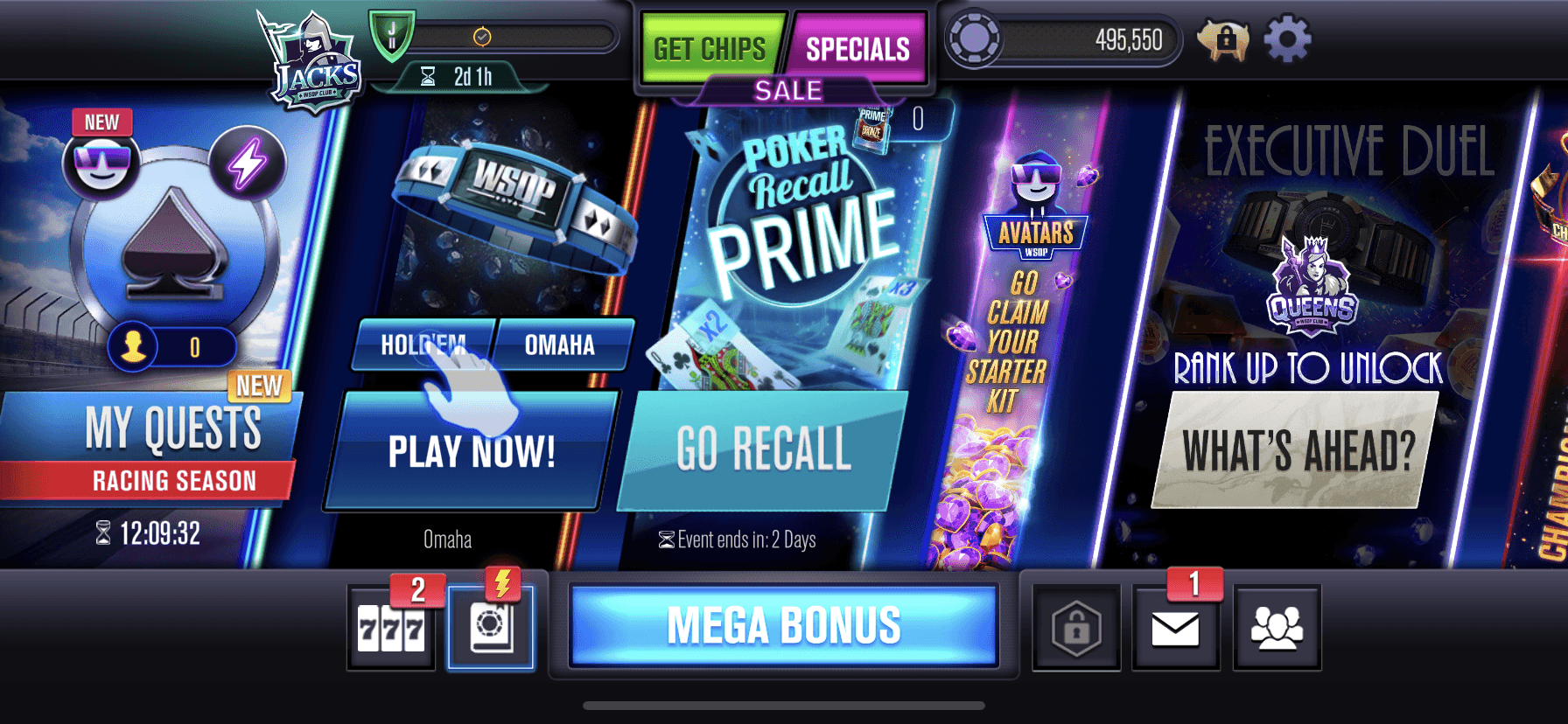
WSOP Poker
Findings
Buy chips buttons and jackpot slot are usually at the center
Showing 3~4 options of the cards/games
Too many colors could cause confusion
Settings buttons are usually on the corners
The amount of money is hard to spot on
Step 3.
Business Goal Analysis
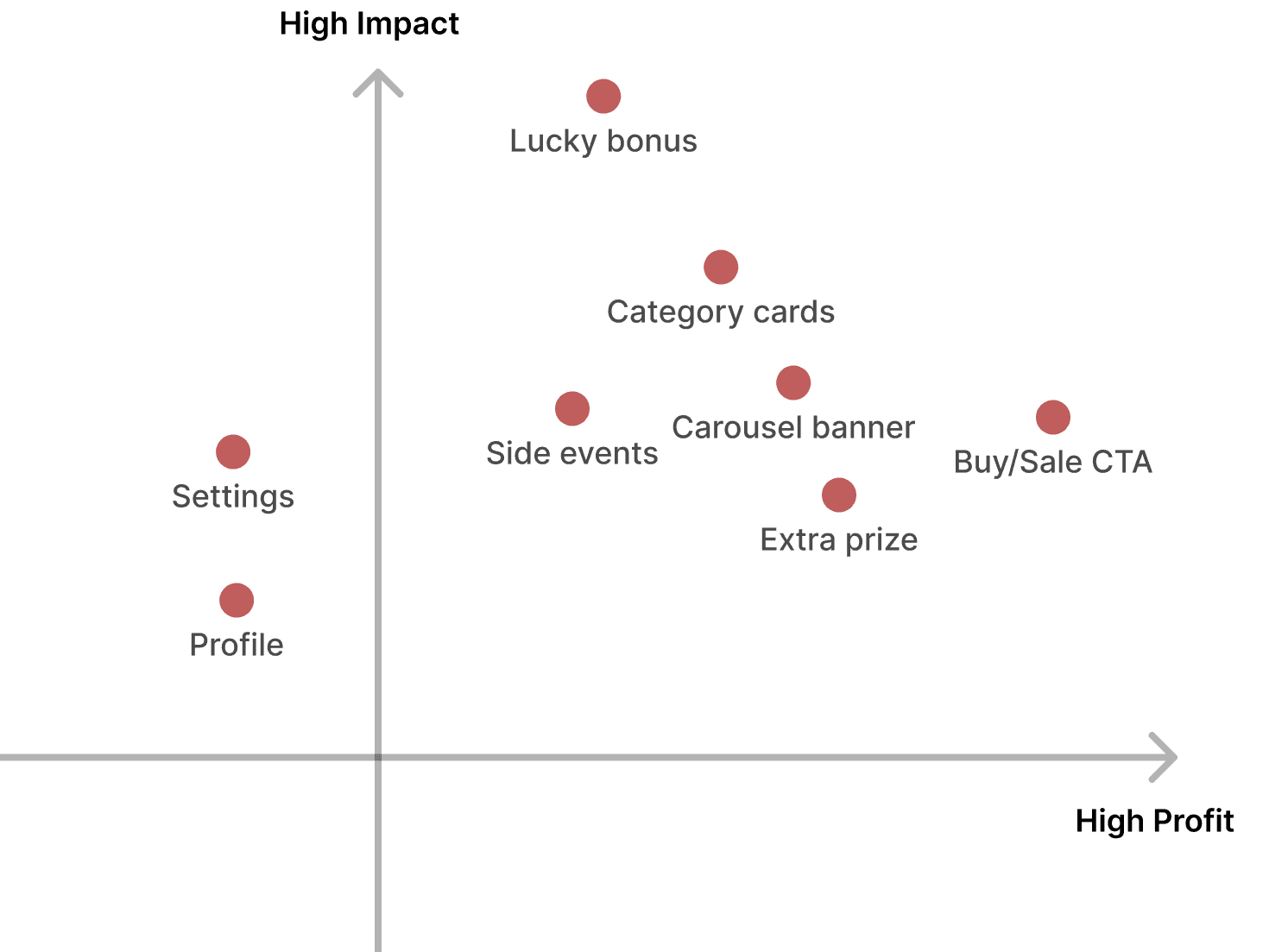
I evaluated the existing lobby screen to identify business needs by assessing its features and layout. Then, I analyzed the new UX design using the matrix map to compare improvements and alignment with user and business goals.
Drawing from my in-game experience, I developed a matrix map to better define the importance of each element on the lobby screen.
03 / Wireframes
Version 1
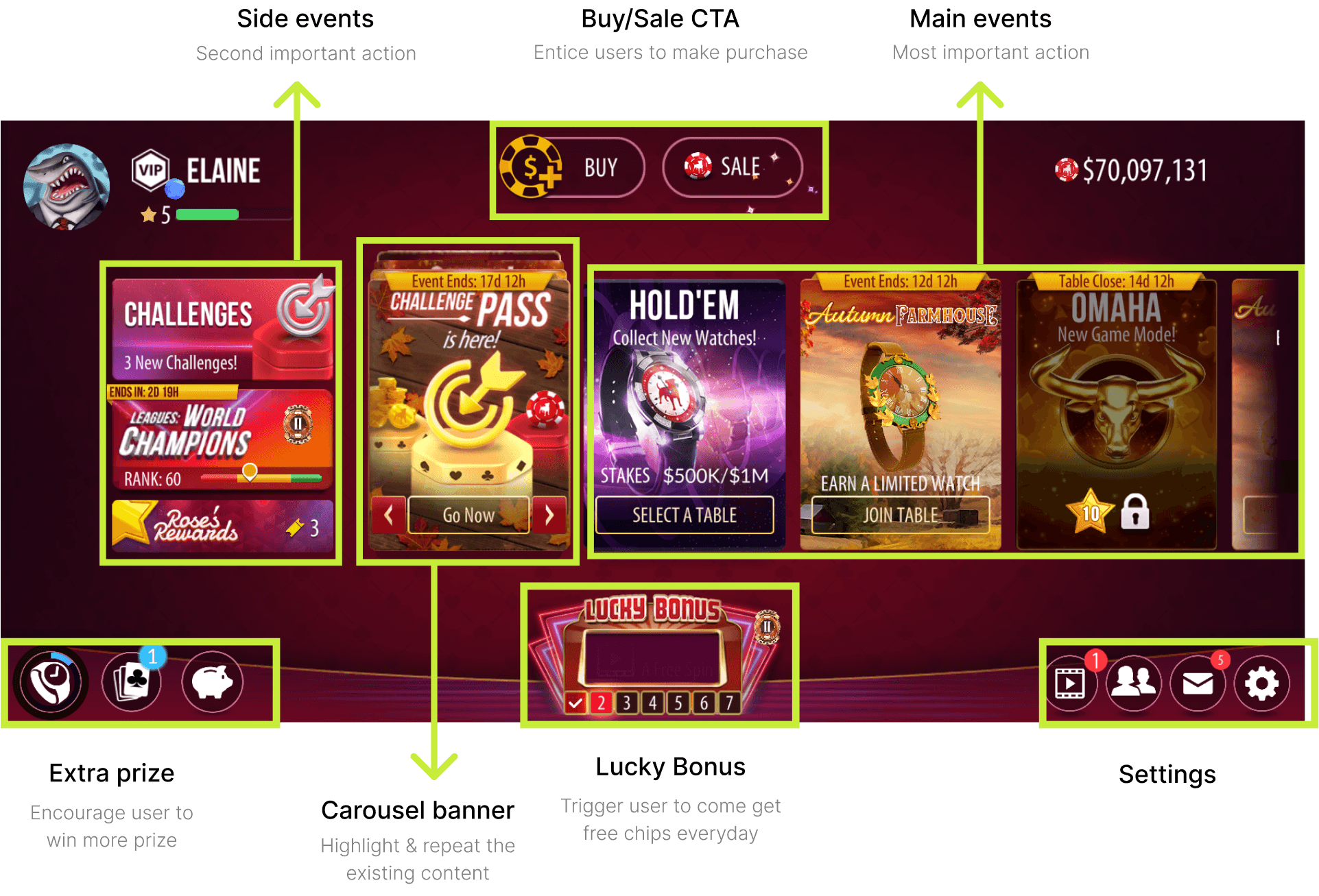
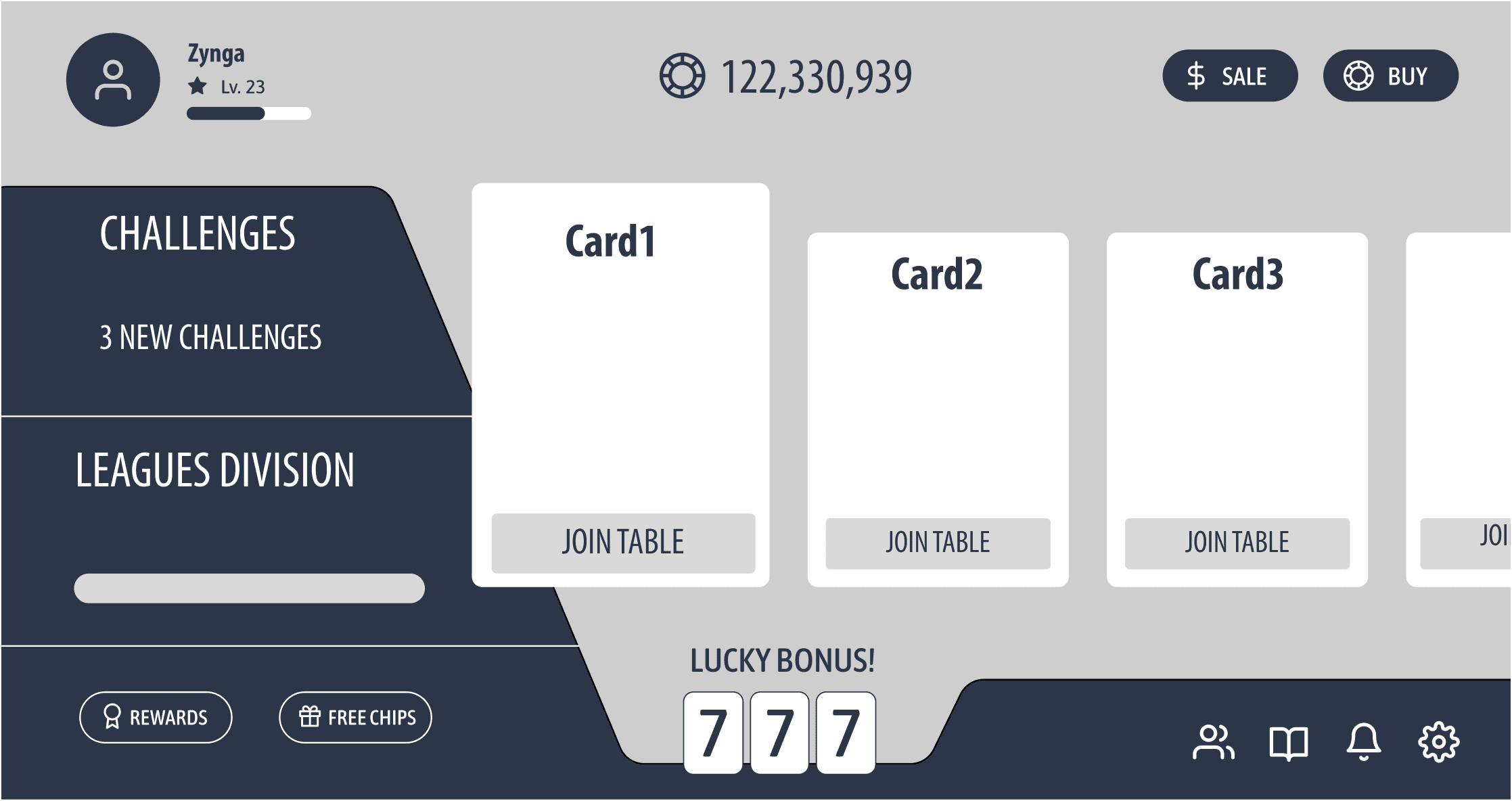
I developed the initial wireframe based on the existing Zynga lobby and insights gathered from the heat map exercise to enhance the UI.
I switched the positions of the coins and the Buy Chips buttons because the coins are non-clickable. Placing the Buy Chips button in the top right corner improves user interaction by making it more accessible.
I established hierarchy by adjusting the sizes to emphasize the most important actions.
Moved the rewards banner down to free up more space for Challenges and Leagues
Version 2
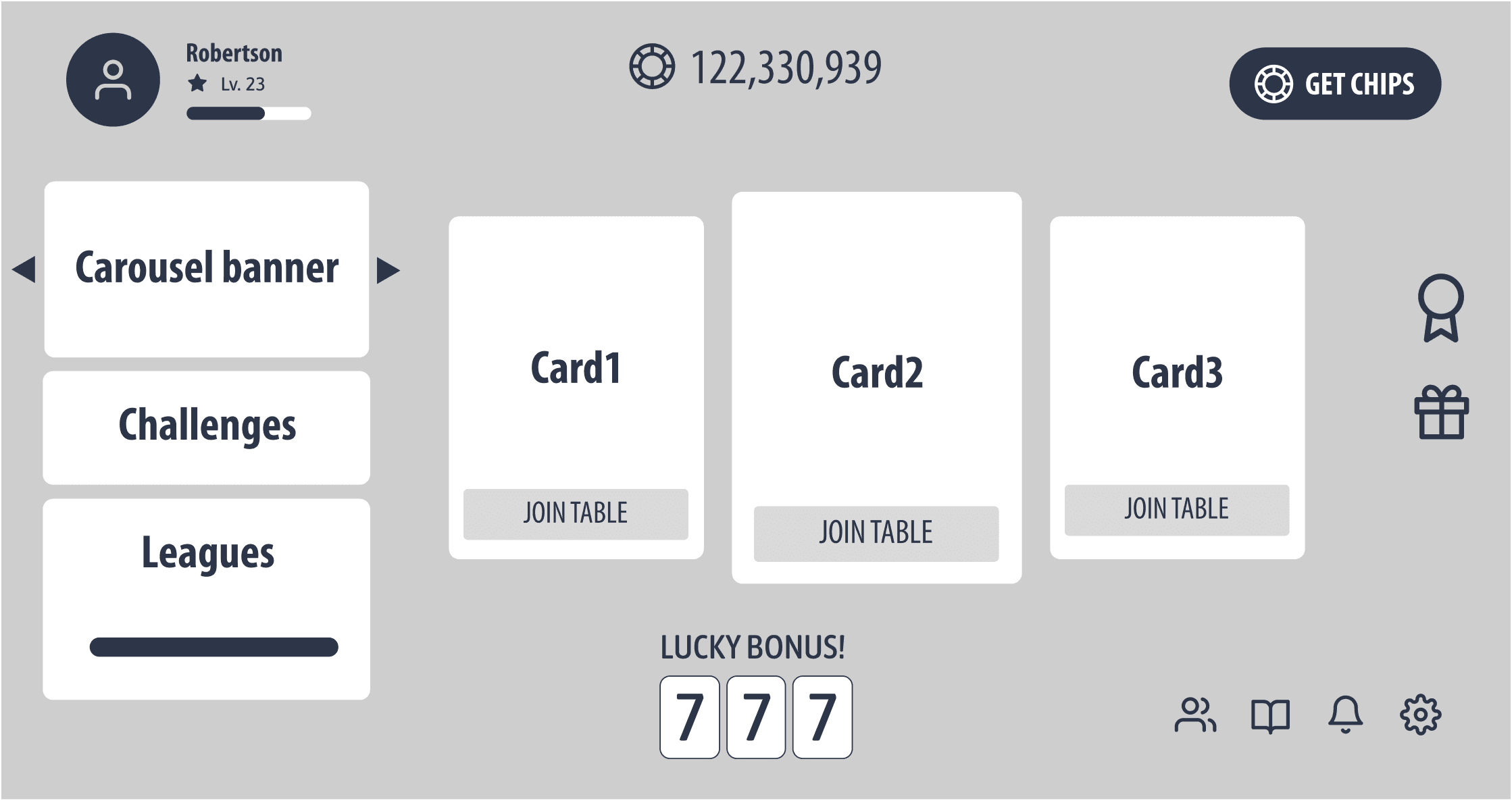
After analyzing the business goals using the matrix map, I identified the need to adjust the information hierarchy. This insight guided me to create a second version of the design.
Simplify buy/sale into one button since they are both purchase action and enlarge the size of the button, user can see price and special sale after tapping on it
Make good use of the edge space by placing the rewards and extra prize buttons here
Realizing in the first wireframe the left side is over powering the main action cards, so reduce the size of the banners
04 / Design Showcase
Final Screens
The final designs received compliments from the Zynga design team, who were also impressed by my thorough research process.
Classic Theme
Halloween Theme